How to Prepare Office Equipment for a Move
Learn how to prepare office equipment for a move, from data backups and labelling to safe packing, so your business can reopen without delays and on time.
A missed cable, an unlabelled monitor or a server shut down in the wrong order can turn moving day into lost working time. Knowing how to prepare office equipment properly helps your team leave one site and get operational at the next without avoidable delays, damage or confusion.
Office equipment needs more than boxes and bubble wrap. IT hardware contains business data, desks often hide dozens of leads, and some items need specialist handling or supplier support. Start planning early, assign clear responsibilities and treat the move as part of business continuity, not simply a transport job.
How to prepare office equipment before moving day
Begin with a full equipment audit. Walk through every office, meeting room, store cupboard and reception area. Record what is moving, what is being disposed of, what is leased and what needs to be replaced at the new premises. This prevents redundant items taking up space in the removal lorry and makes it easier to spot missing equipment after delivery.
Your inventory should cover computers, monitors, docking stations, printers, phones, routers, switches, servers, projectors, shredders, kitchen appliances and specialist equipment. Include serial numbers for high-value IT items, especially laptops and network hardware. Photographs are useful where equipment has existing marks or where a complex cable setup will need recreating.
At the same time, check your new office. Confirm access times, loading restrictions, lift size, parking arrangements, stairs and the exact position of workstations. There is little benefit in carefully packing a large photocopier if it will not fit through the planned route. Measure bulky equipment and doorways in advance.
Assign one person to make decisions
A single move coordinator avoids conflicting instructions on the day. They do not need to pack every item, but they should control the equipment list, liaise with the IT provider and confirm what staff are responsible for taking home or packing at their desks.
Give employees a deadline to clear personal belongings, confidential paperwork and food from drawers. This keeps professional packing focused on business assets and reduces the risk of private items being misplaced.
Protect your data before disconnecting anything
Physical protection matters, but your data is often the more valuable asset. Back up all business-critical files before equipment is unplugged. Confirm that backups have completed successfully and can be restored, rather than assuming a scheduled backup has run correctly.
If you use cloud platforms, make sure the right staff can access accounts from another device. Keep recovery codes, administrator passwords and key contact details securely available to authorised people during the move. Do not write passwords on monitor labels or place them in general packing boxes.
Servers, network storage and firewalls may require a planned shutdown sequence. Ask your internal IT team or managed service provider whether they need to be present for disconnection and recommissioning. In some cases, it is safer for the provider to transport sensitive hardware separately or specify the required packing method.
Confidential paper records need similar care. Use sealed, clearly marked cartons and maintain a simple chain of custody for HR files, financial records and client information. Avoid leaving these boxes unattended in communal areas while the office is being cleared.
Label equipment for fast set-up at the new office
The best labels tell people where an item belongs, not just what it is. A label saying “Monitor” is less useful than “Finance - Desk 4 - Monitor 1”. Use a consistent room, department or desk-number system across monitors, computers, chairs, pedestals and crates.
Before unplugging a workstation, take a quick photograph of the rear connections. Then label both ends of each cable where practical. Colour-coded stickers can help, but written labels are still valuable when a cable has been removed from a bundle.
Create a simple floor plan for the destination office. Mark desk numbers, printer locations, meeting-room screens and network points. Share it with the removal team and the people supervising delivery. This reduces double handling, keeps walkways clear and helps staff get back to work sooner.
For equipment that must travel together, use matching numbers. For example, label a laptop, dock, power lead, monitor and keyboard as “Sales 08”. Put small accessories in a sealed bag or crate with the same reference. Loose adapters are among the most commonly lost office items.
Pack computers, screens and peripherals safely
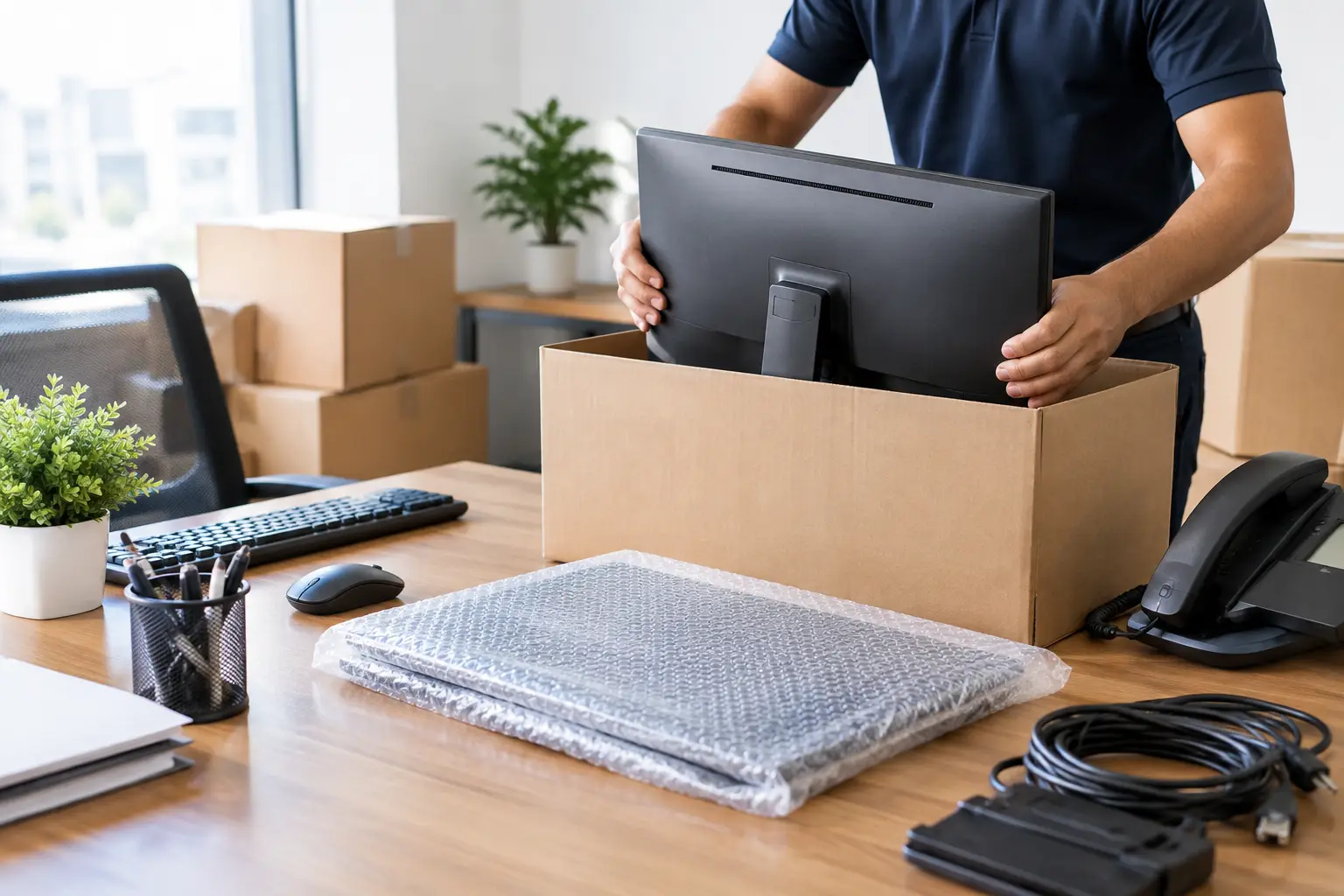
Whenever possible, use original manufacturer packaging for computers, monitors and specialist hardware. It is designed for the item’s size and weight. If that packaging is no longer available, use double-walled cartons, clean packing paper, anti-static materials where appropriate and sufficient cushioning to stop movement inside the box.
Do not stack heavy items on monitors or place screens face-down without protection. Pack monitors upright where possible, with padding between each unit. Desktop PCs should be wrapped, placed in suitably sized cartons and kept upright during transport. Remove loose media, USB drives and CDs before packing.
Use separate, labelled crates or cartons for keyboards, mice, headsets, webcams, chargers and cables. A workstation is not ready to use if its power supply is in another department’s box.
Printers and photocopiers need extra attention. Remove paper trays, secure moving parts and follow the manufacturer’s instructions for ink or toner cartridges. Larger multifunction devices may need specialist preparation to avoid leaks, internal damage or voided maintenance cover. If the machine is leased, check whether the supplier must approve or carry out the move.
For a small number of items, this packing sequence works well:
- Shut down equipment fully and unplug it from mains power.
- Photograph connections, then label leads and accessories.
- Protect screens, corners and moving parts with suitable materials.
- Pack each item in a labelled container that identifies its destination.
Plan for equipment that needs specialist handling
Not every office item should be treated the same. Servers, comms cabinets, large printers, safes, laboratory equipment and heavy displays can have specific transport requirements. Their weight, value and sensitivity may affect the number of movers needed, insurance arrangements and access equipment required.
Tell your removal company about these items when requesting a quote. Accurate information allows the team to plan the right vehicle, protective materials, handling equipment and staff. It also helps avoid last-minute changes to a fixed-price quote.
If your business cannot afford downtime, move critical equipment in phases. A secondary printer, spare laptops or a temporary mobile internet connection may keep staff working while the main office is being set up. The right approach depends on your industry, your team’s ability to work remotely and the urgency of reopening.
Prepare the new office before equipment arrives
A well-packed office can still lose a day if the destination is not ready. Check that power, broadband, lighting, heating and essential access systems are live before moving day. Confirm where network points are located and whether there are enough sockets for each workstation.
Arrange for IT support to attend when required, particularly if network equipment is being installed or phone systems need reconfiguring. Keep one clear area for incoming crates and another for empty packaging, rather than allowing cartons to build up around desks and fire exits.
On delivery, check items against your inventory as they come off the vehicle. Prioritise reception, network equipment, key staff workstations and shared printers. Test a sample of computers, screens, internet access and phones before the removal team leaves, where timing allows.
Avoid the common last-minute problems
Most office move issues come from leaving technical and access details until the final day. Avoid disconnecting equipment before a confirmed backup, packing unidentified cables together or assuming the new office has suitable power and internet connections.
Also avoid overloading cartons. Office files are heavy, and a box that is easy to close may still be unsafe to lift. Use smaller cartons for documents and heavier equipment, and keep all routes clear for safe handling.
For offices across Berkshire, London and the surrounding counties, a professional removal team can handle the physical move while your staff focus on systems, customers and reopening. HomeGo Removals can support planned and short-notice office relocations with insured handling, packing support, furniture assembly and fixed-price quotes.
A calm move starts before the first box is lifted. Prepare the equipment, protect the data and give every item a clear destination, then moving day becomes a controlled handover rather than a disruption to the business.
Get a free fixed written quote in 2 mins
Insurance up to £50,000 included · No cancellation fees · Free dismantling & reassembly

Our team of fully-insured removal specialists helps families across Slough, Windsor, Maidenhead and the wider Berkshire area move home every week. We pack, load, drive and unload boxes every day — every guide on this blog comes from real jobs, not theory.
Reviewed & fact-checked by Allah Nazar Ihsan — Founder & Managing Director, HomeGo Removals & Packing Ltd
Planning your move?
Get a free, no-obligation written quote from Berkshire's trusted independent removers. We're answering the phone right now — 24 hours a day, 7 days a week.